
Pro Forma invoice
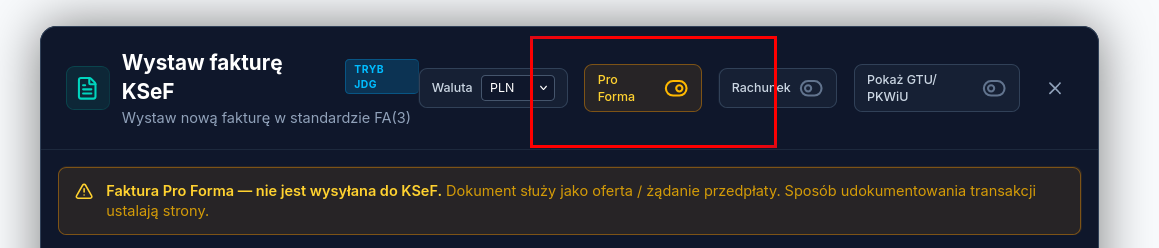
A Pro Forma document isn’t a VAT invoice — it isn’t sent to KSeF and isn’t a basis for settling tax. It’s used to present an offer or a payment request before the actual invoice is issued. How the parties document the transaction is up to them.
How to issue a Pro Forma
Section titled “How to issue a Pro Forma”- In Issue invoice, turn on the Pro Forma toggle.
- Fill in the counterparty’s details and line items.
- Save the document — optionally generating a payment link for the buyer at the same time.
Payment and converting to a VAT invoice
Section titled “Payment and converting to a VAT invoice”The buyer can pay a Pro Forma with a payment link, just like a regular invoice — see Payment link and split payment. Payment does not automatically issue a VAT invoice. Once the payment is recorded, you need to convert the Pro Forma into a VAT invoice yourself from the document’s card — only that invoice is sent to KSeF.
What’s next
Section titled “What’s next”Was this article helpful?
Thank you.
Thank you. Other articles on this topic may help; if you still can’t find an answer, contact us: pomoc@atestio.pl.